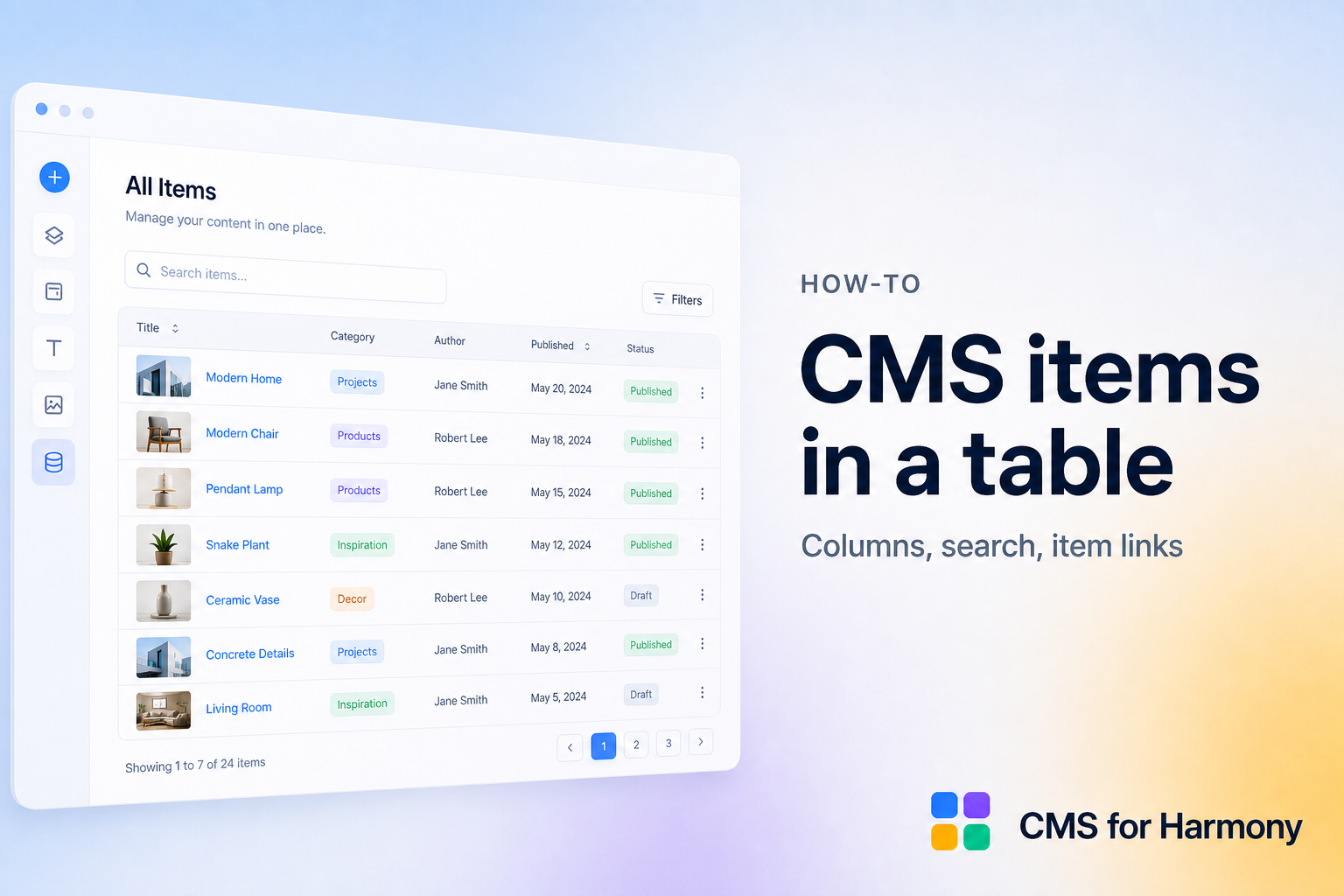
A searchable table is the right layout when cards feel too sparse: price lists, resource libraries, membership rosters, SKU inventories. Visitors scan columns, type a keyword, and optionally filter by category—without opening a spreadsheet.
This walkthrough uses the CMS for Harmony Table widget, which works on Editor, Studio, and Harmony. Native Wix can approximate tables in places, but a dedicated CMS table with search and filters is usually faster to ship.
More browsing patterns: Wix CMS Guide.
What you’ll build
| Piece | Choice |
|---|---|
| Data | Collection such as Resources (Title, Category, Format, Link, Updated) |
| Display | Table widget |
| Findability | Search bar + Category filter |
| Optional | Row links to item pages |
When to use a table vs a Repeater
| Prefer a Table when… | Prefer a Repeater when… |
|---|---|
| Many columns, dense scanning | Photos and short stories matter |
| Inventories and resource lists | Marketing directories and portfolios |
| Spreadsheet-style compare | Card layouts |
In CMS for Harmony, “cards” means Repeater layout.
Steps
- Install CMS for Harmony and create a collection with the columns you need.
- Add the Table widget to a page.
- Connect the collection, choose fields as columns, and set widths (auto or fixed).
- Open Search & filters → enable Show search bar.
- Add filters (Category, Format, and so on) with Show filter. Use ranges for numbers or dates if needed.
- Optionally add a native collection page and link rows to item URLs (Dynamic Pages how-to).
- Publish. Test search, filters, and how the table scrolls on a phone.
Product reference: Table widget. Filter details: Search & filters.
Example: resource library
- Fields: Title, Category, File type, URL, Last updated.
- Map those fields to columns.
- Search on Title; filter on Category and File type.
- If you also want a friendlier card view elsewhere, reuse the same collection with a Repeater and category filters.
Related tutorials
Related
FAQ
Can Table use Quick view?
Yes on Wix CMS collections.
Can Table sell items?
Yes on Pro with catalog payments.
Does Table support Chart-like aggregates?
Use the separate Chart widget for aggregates; Table shows row data.